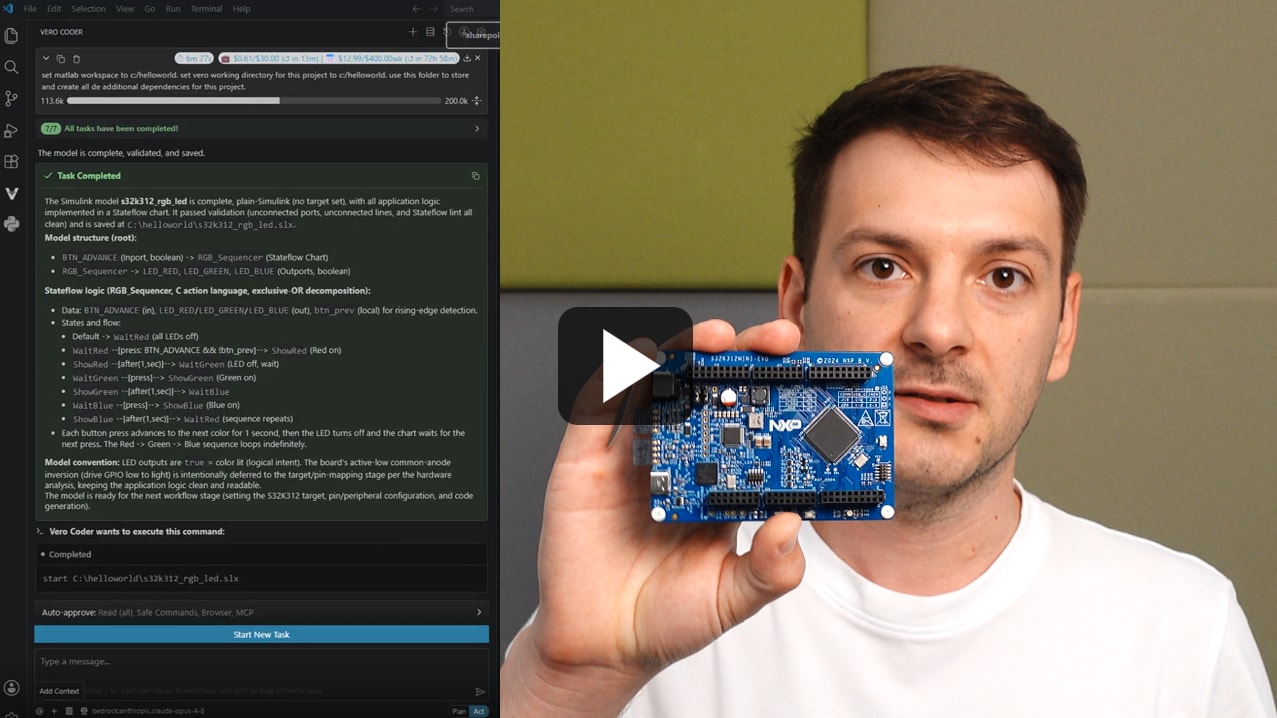
借助AI,通过5个提示词从Simulink直达恩智浦硬件
使用AI,在S32硬件上实现RGB LED应用的建模、生成、部署及适配。

从发现到部署,恩智浦久经验证且可靠的MCU和MPU设计工具现在可接入智能体AI工作流程。借助AI赋能的文档进行提问与规划,使用集成智能体的IDE进行构建,通过自动化测试流程进行调优,并从容部署边缘AI。
探索全部内容,找到适合您的工作流程的工具。
提问、查阅恩智浦文档,并规划智能体开发方案。
借助集成了AI的IDE和即用型项目示例,更智能地编写代码。
通过智能体自动化与数据可视化,调优并部署设计。
使用AI,在S32硬件上实现RGB LED应用的建模、生成、部署及适配。
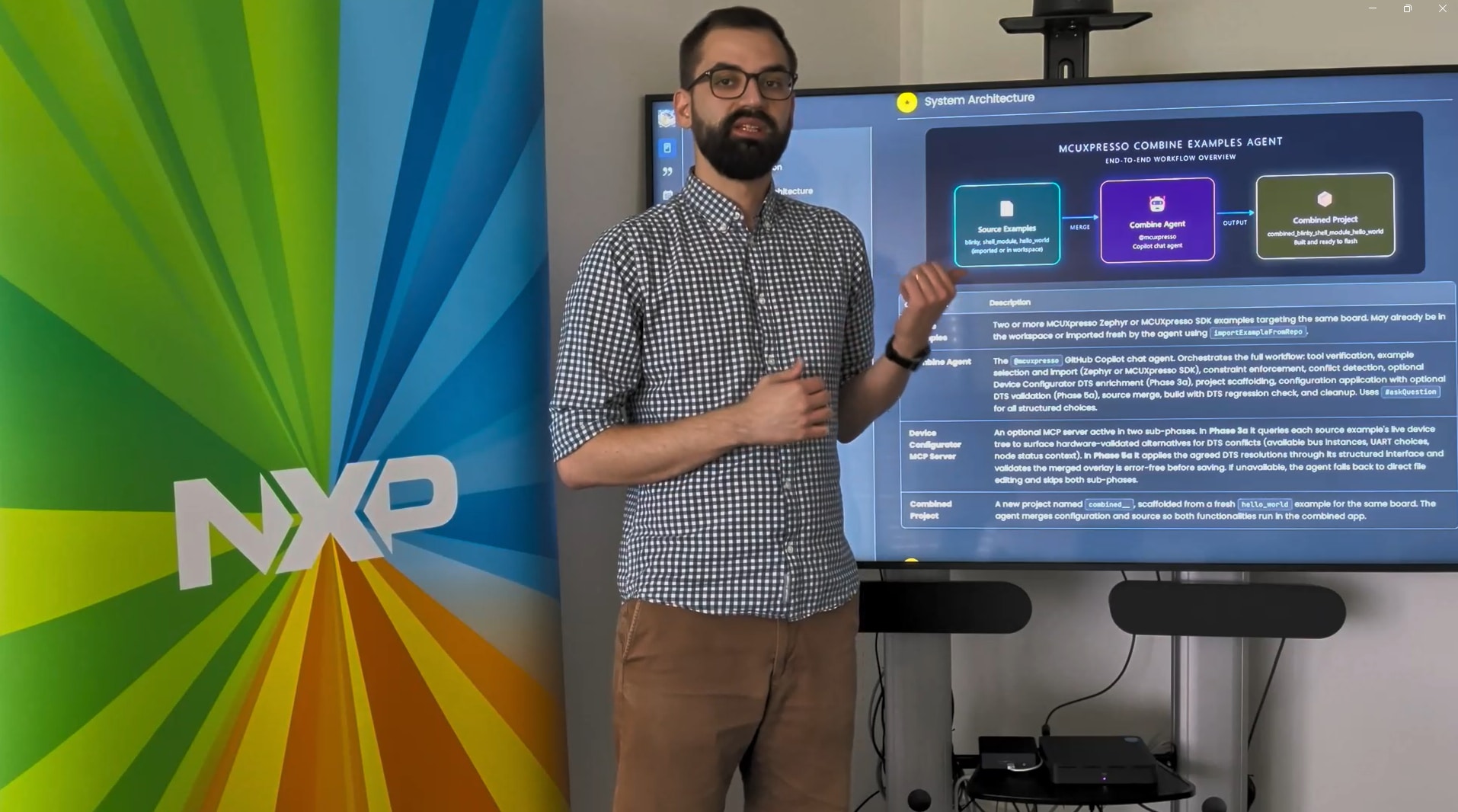
借助AI助手,将MCUXpresso或Zephyr示例合并到一个应用中。
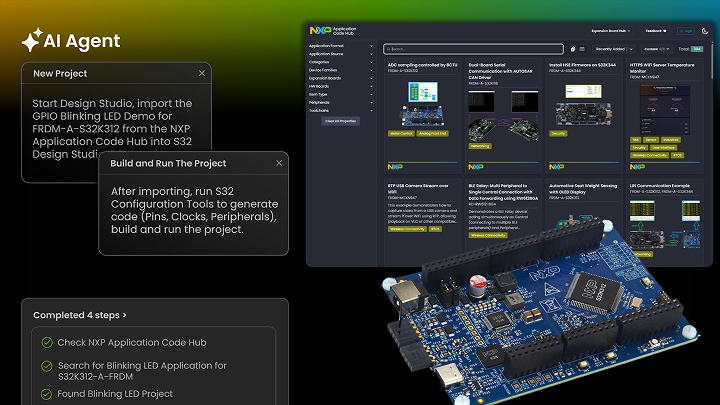
使用AI,通过单个提示词导入、配置、构建并运行S32项目。
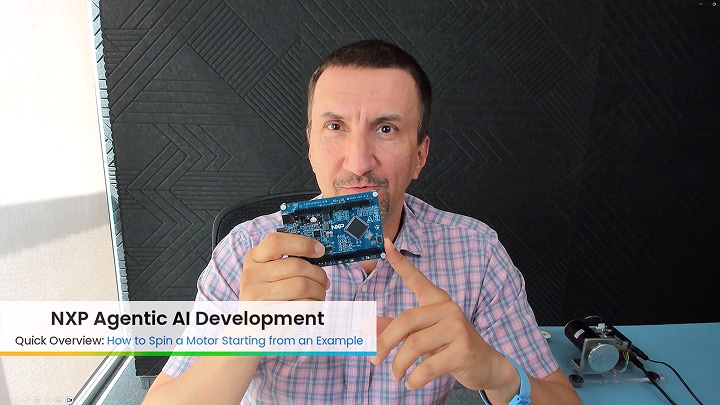
本教程展示如何从示例入手启动电机。
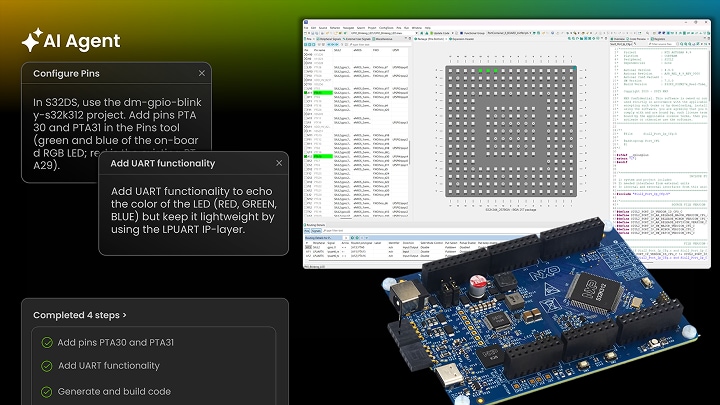
借助AI,向演示项目添加UART通信与RGB LED顺序控制。
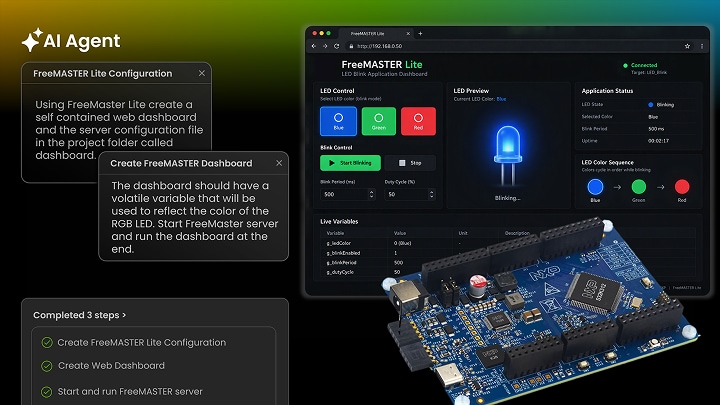
添加FreeMASTER Lite并构建浏览器仪表板,以监测LED颜色变化。
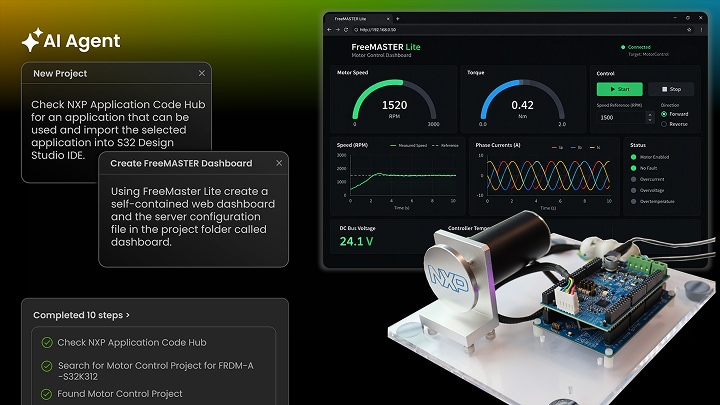
借助AI技术,在FRDM-A-S32K312上构建、烧写并监测电机控制仪表板。
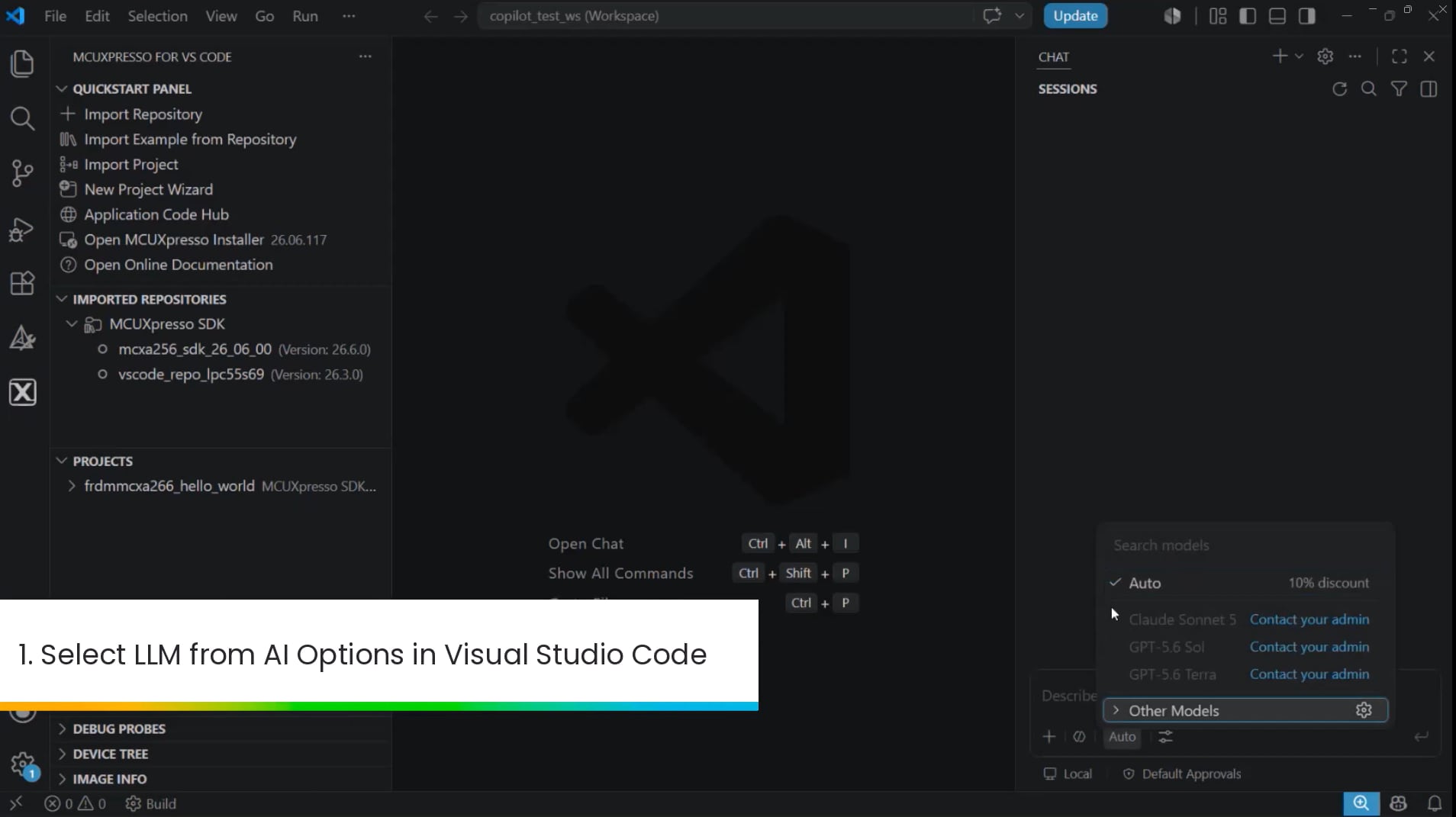
在VS Code中使用Copilot,为恩智浦板创建并导入独立SDK项目。
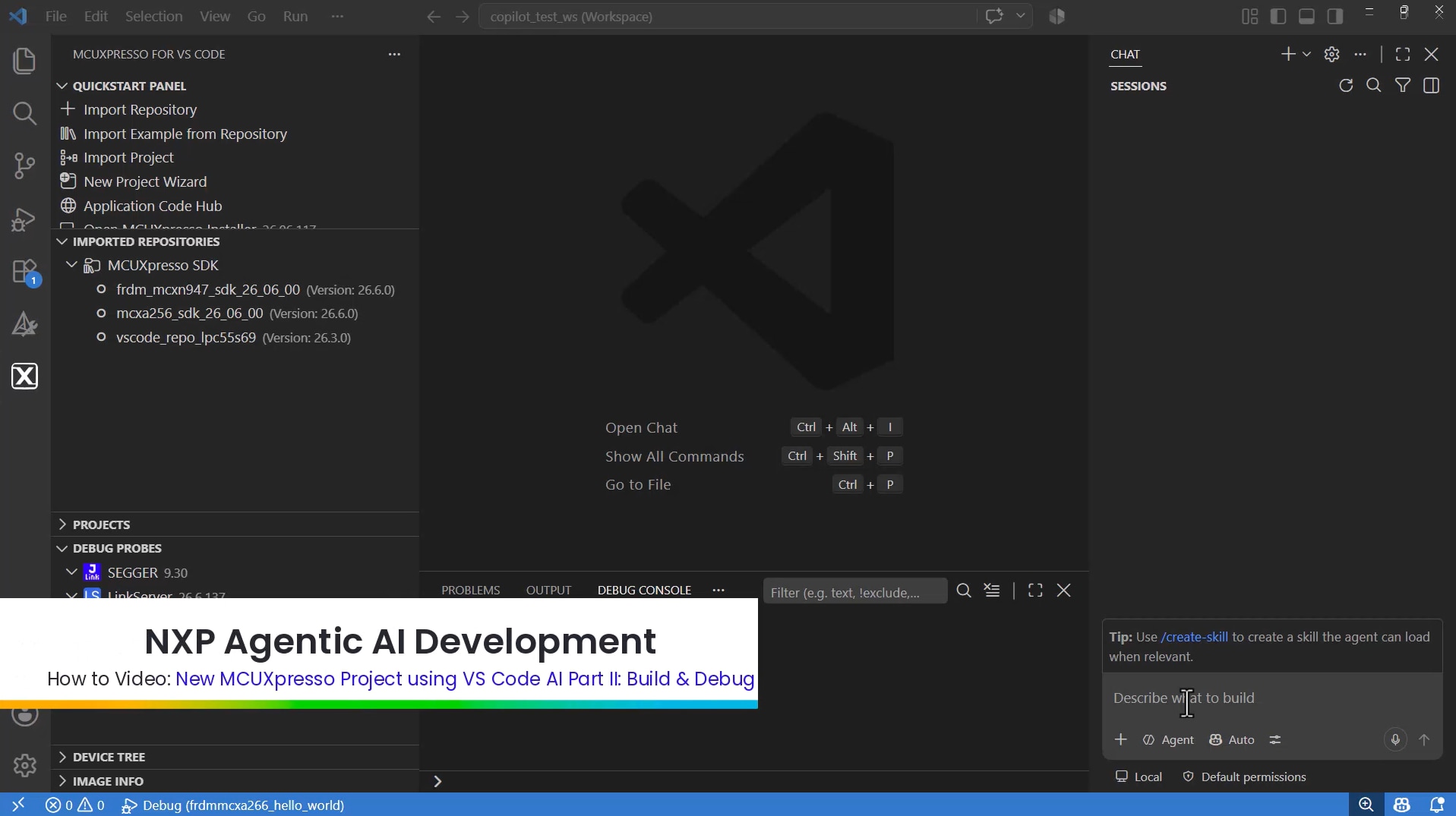
使用Copilot,为FreeRTOS Hello World项目构建、调试并分析内存使用情况。
Traditional embedded development required user interaction to drive software and configuration tools. Agentic AI permits an agent powered by an LLM to interact with development tools. The user can restrict the autonomy of the agent but allow the agent to work directly with the tools.
No, NXP has updated the S32 Design Studio and MCUXpresso for VS Code IDEs to support Agentic AI.
An overview, video and examples are provided within the Getting Started guide.
Agentic AI development currently supports NXP devices and workflows enabled through MCUXpresso for VS Code and S32 Design Studio. Supported tools include MCUXpresso for VS Code, S32 Design Studio, FreeMASTER and LinkServer. The feature is currently available as an experimental beta, with additional device and tool support planned for future releases.
帮助我们提升智能体AI开发体验。诚邀您参与简短的问卷调查。